Most people who need an invoice, a packing slip or a cover letter do not want to learn a document editor. They want to type their details, see the finished page and download it. That is what pressa.dev/templates now does, for ten everyday documents, each in five designs and five colours: fifty designs in all, free to use without an account.
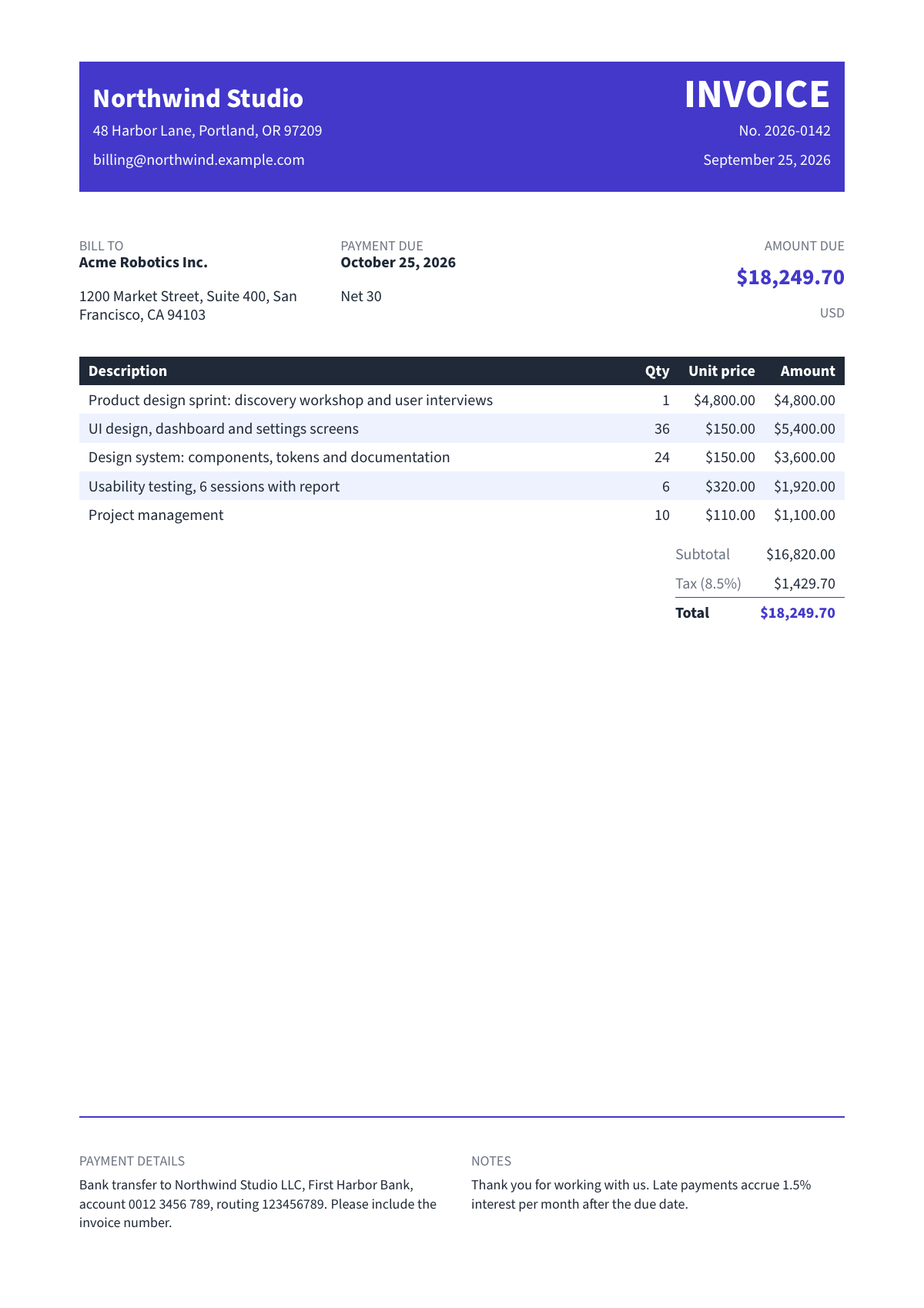
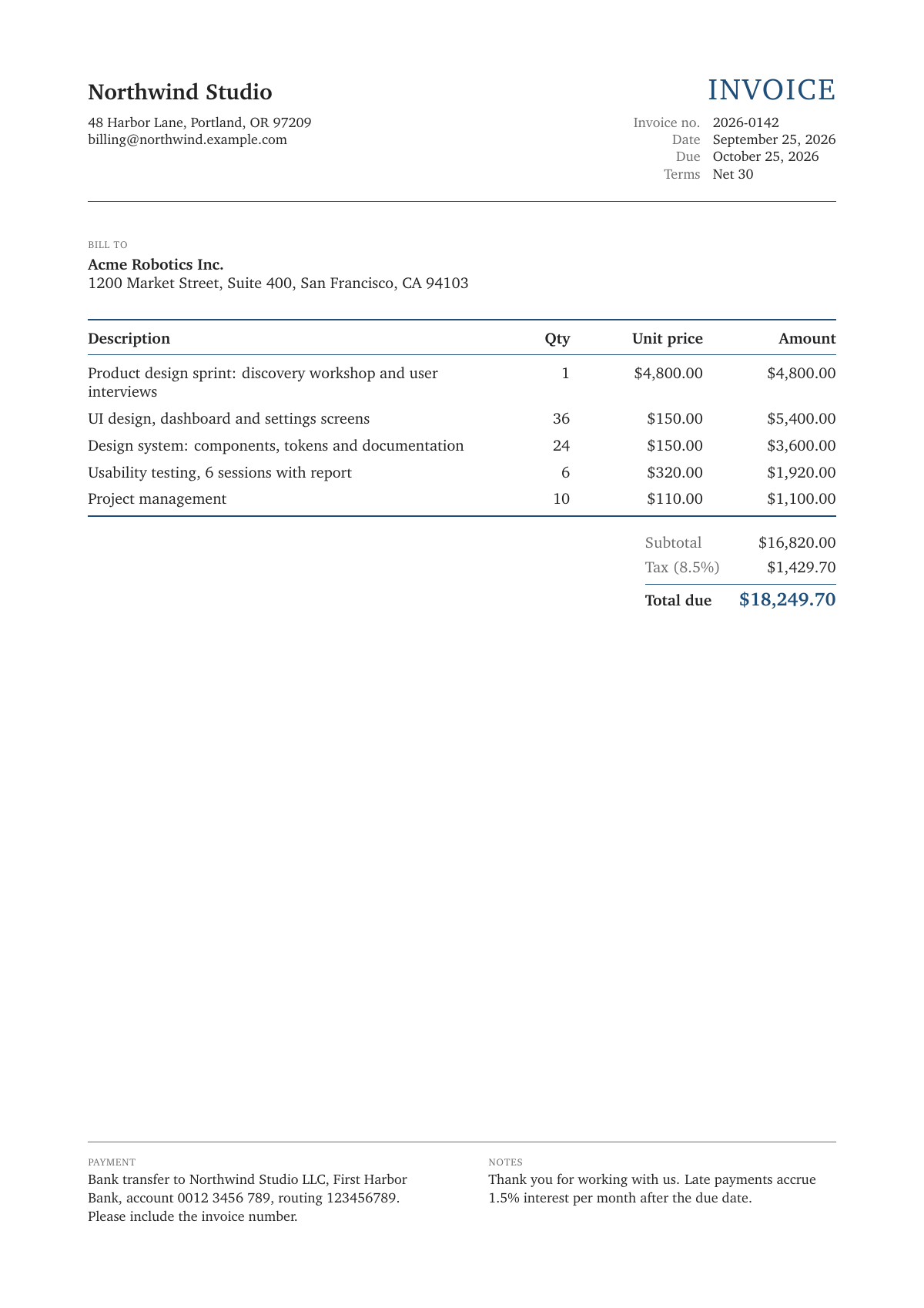
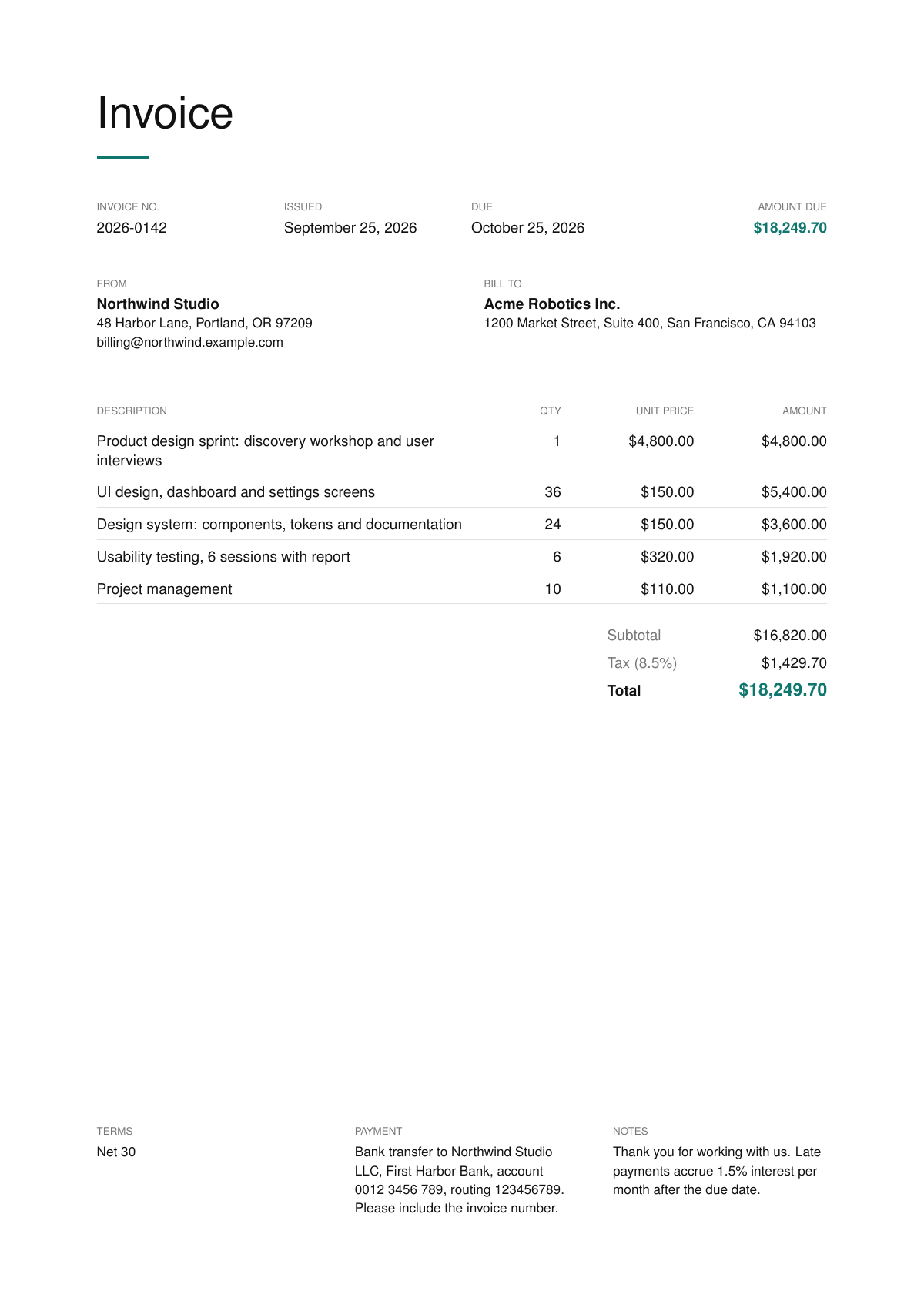
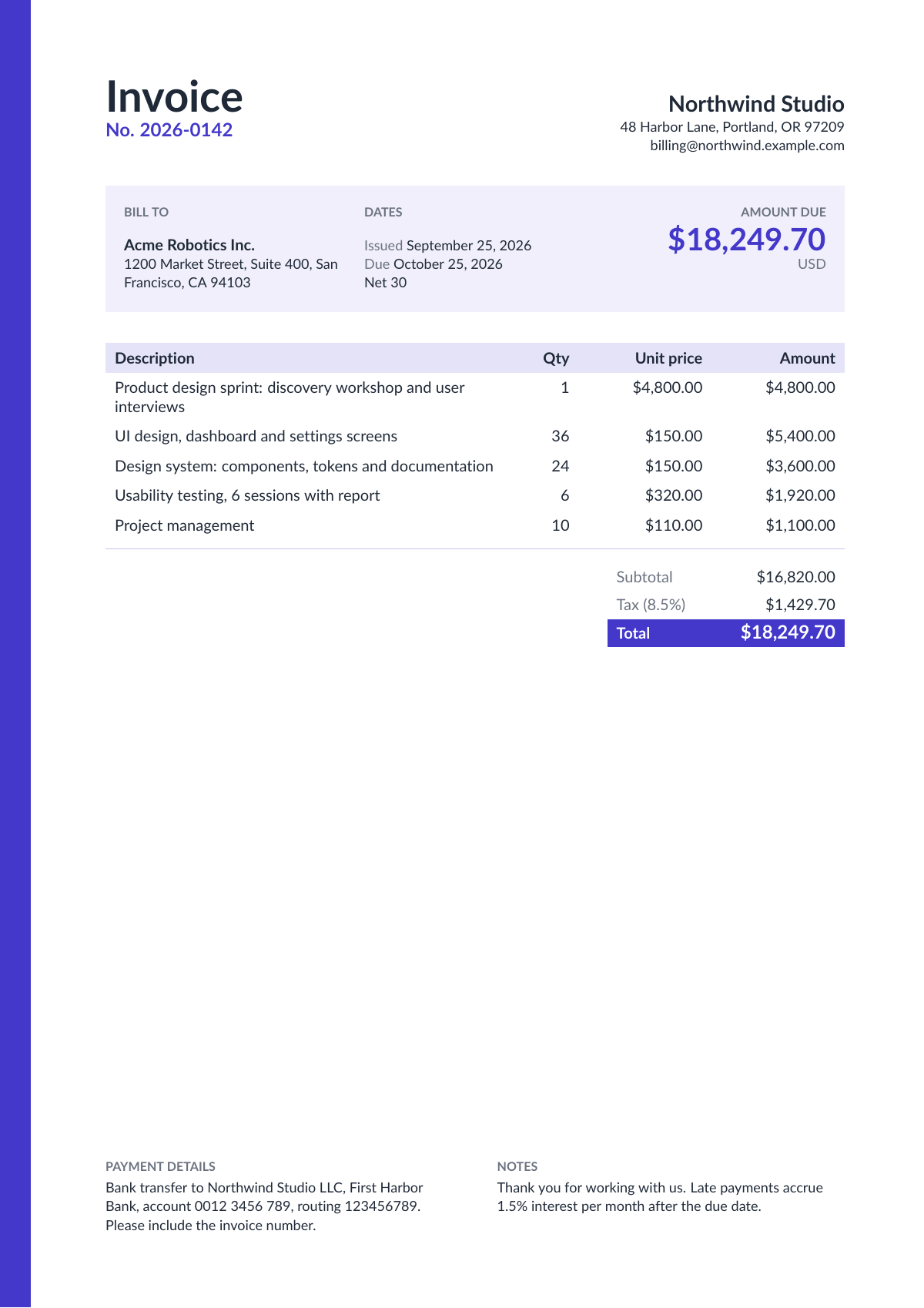
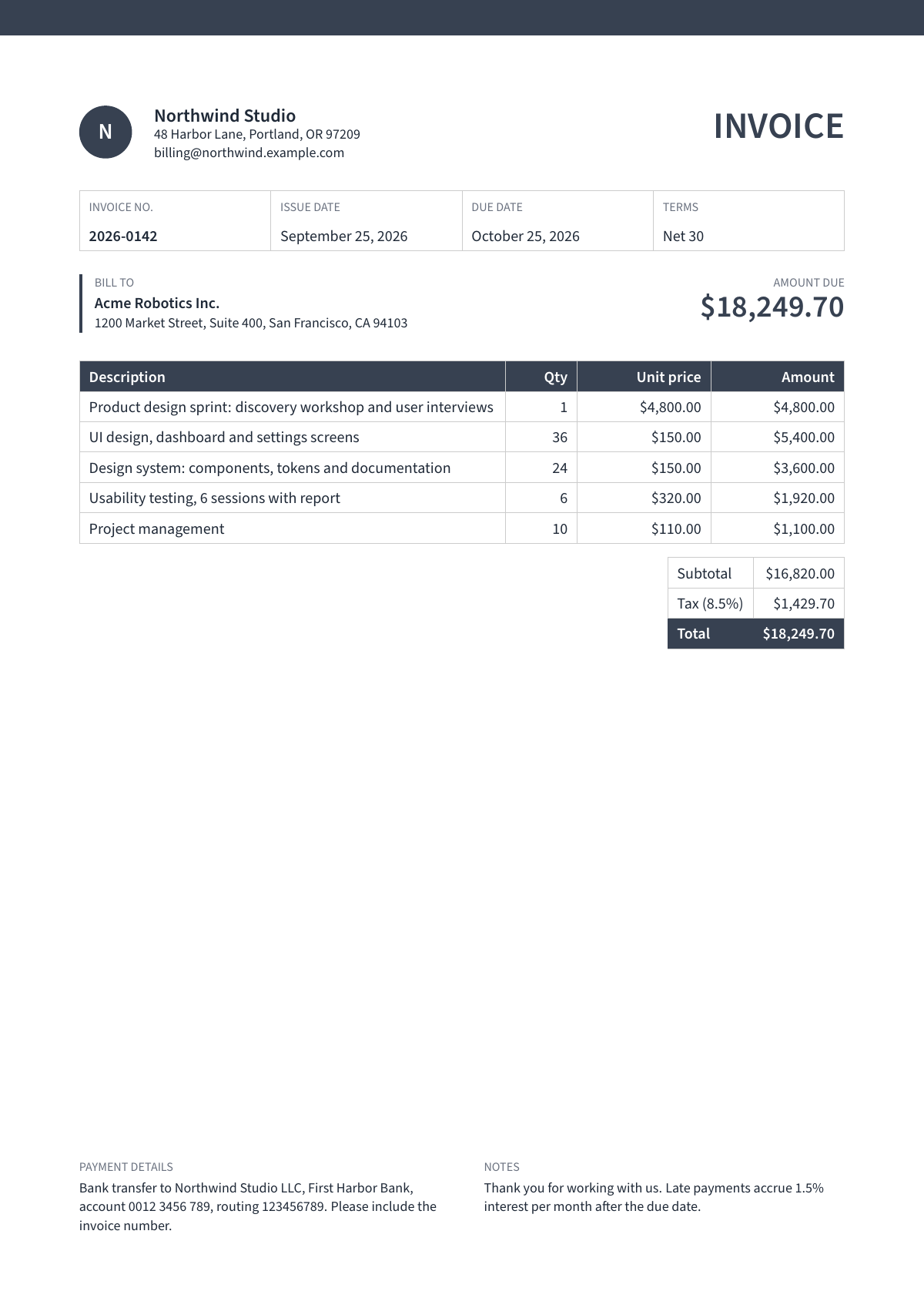
The five invoice designs, filled with the same details.
One page per document, every design on it
Search for "invoice template" and you expect to choose. So each document has one page, and the designs sit at the top of it as thumbnails: pick one, pick a colour, fill in the form. The invoice, purchase order, packing slip, delivery note, cash receipt, monthly report, certificate, resume, academic CV and cover letter each work the same way.
Type once, then try every design
All the designs of a document take exactly the same details. Switch from a bold invoice to a classic one, or from a sidebar resume to an elegant one, and everything you typed stays where it is. Nothing is lost when you change your mind, so you can try all five before you decide.
What you type is kept in your browser, not on our servers, so it is still there when you come back for next month's invoice. The finished PDF is kept only so you can download it, and is deleted within about a day.
The preview is the real document
Next to the form, the page shows your document as you type. It is not an imitation drawn in the browser: it is the same PDF the Download button makes, typeset by the same engine, with a faint PREVIEW mark across it. Line breaks, page breaks and table widths in the preview are exactly what you get.
On a phone there is no room beside the form, so a Preview button opens the document full screen, with a Download button of its own. The preview is free and does not count against the free PDFs.
Sets that match
The business documents share their design names. A Corporate invoice, a Corporate purchase order and a Corporate packing slip have the same monogram, the same top band and the same grid; Classic and Minimal match the same way. Pick a style once and your documents look like they came from one business, because they did.
The same goes for job applications: each cover letter matches the resume design of the same name, so the two read as one application.
The numbers add up
Invoices and purchase orders work out line amounts, the subtotal, tax and the total from the quantities, prices and tax rate you enter, rounded the way money is printed: cents for dollars and euros, whole yen for yen, and unit prices below a cent kept as they are. You never type a total, so a total can never be wrong. Long item lists break across pages with the table header repeated.
Or let your AI assistant fill it in
Above every form is one sentence to copy into ChatGPT, Claude or another assistant, followed by your details in your own words. It points the assistant to instructions written for it: which fields the document needs, what to ask you, and how to make the PDF. Assistants that can run commands, such as Claude Code or Cursor, make the PDF themselves; chat apps either connect to Pressa once or send you back to the form.
For developers and automations
Every design is also an API. Send the details as JSON, add a colour if you want one, and get back a link to the PDF. It works without a key for a few documents a day, and with a free key for 50 a month.
curl -X POST https://api.pressa.dev/api/v1/public_templates/corporate-invoice/render \
  -H "Content-Type: application/json" \
  -d '{"color": "teal", "data": { ...the invoice details... }}'
The same designs are available to AI agents through the Pressa MCP server as render_public_template with an optional color, and every template is open source under the MIT license on GitHub, so you can read exactly how it is built or adapt it.
What it costs, and what it does not do yet
Without an account you can make 3 PDFs a day; a free account gives you 50 a month, no card needed. Free PDFs carry a small "Made with Pressa" line at the foot of the page, and the Starter plan ($9 a month) removes it.
The templates print the Latin alphabet, accents included (č, ć, đ, š, ž, é, ñ and the rest). Cyrillic, Greek and Chinese are not supported in these templates yet.
Pick a document and try it: pressa.dev/templates.